PilSeung Team is athlete an athlete centered platform. That means that all the information about an athlete, stays with the athlete. If an athlete is part of multiple teams on PilSeung Team, or changes to another team - their information goes with them!
Dedicated Team App or Shared App
Your team logo & colors
PilSeung logo and colors
The core functionality between the dedicated app and the shared app is the same. The features available to your users can be customized to what makes sense for your team. The main differentiator you will get with the dedicated app is your team branding and images. An app with your team name and image will be available in the Apple App store and Google Play store. Users will see your app logo and branding on their phones, when they open the app and when they login.
Available Features
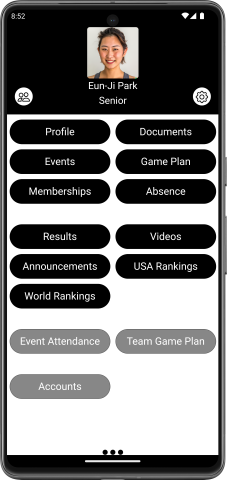
You can decide which of the available features are enabled for your users. This allows you to taylor the experience to what works for your team. Features are focused on the Athlete, Team, Coach and Admin
Athlete Features
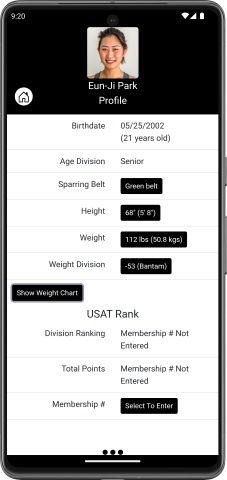
- Athlete Profile
- Store and track details about each athlete. This includes their belt level, height, weight (with a weight tracking graph), weight division, and USAT ranking
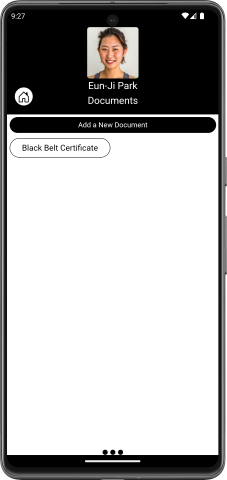
- Documents
- Store and view important documents for each athlete such as their Kukkiwon, membership cards, medical cards, etc.
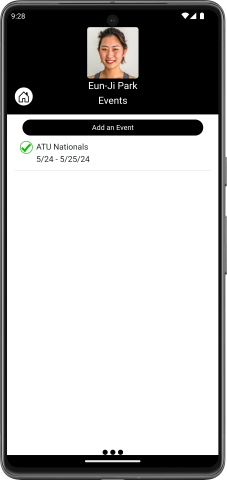
- Events
- List out all the upcoming events available for athletes, and let athletes track if they are attending or not. Athletes and parents can also view details about each event including location, dates, who's attending and the event website.
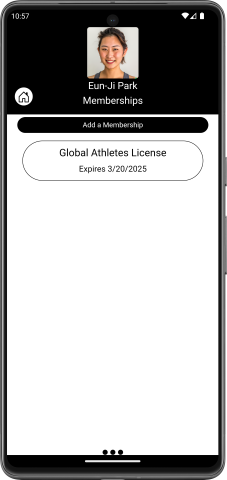
- Memberships
- Athletes can track their memberships including their membership numbers and expiration dates for USA TKD, AAU and WT Global Athletes License.
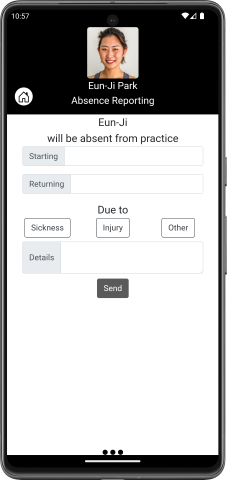
- Absence
- Sometimes an athlete can't make it to practice. Now they can easily provide dates they will be out, and a quick reason that will be sent to the coaches.
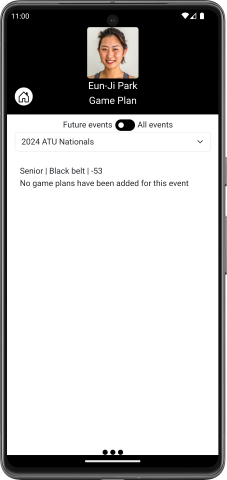
- Game Plan
- Coaches can enter their thoughts on what an athlete needs to do during a match. This then becomes visible to the athlete, their parents and other coaches.
Team Features
- Event Day
- This becomes available a few days before an event. All of the attending athletes will show up, allowing their bracket information to be entered. As the athlete progresses through the event, users can mark if they won or lost. This will track the team medal count, and add the athlete results to the Results details.
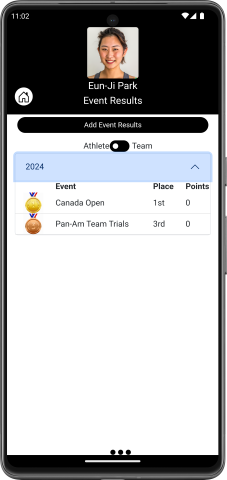
- Results
- Store and view results from past events. Users can view by athlete or by event to make it easier to see the results they are looking for.
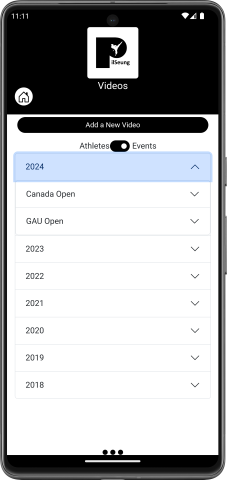
- Videos
- Upload and watch videos of matches. Users can track the event name, match number, athlete color and any other details to be able to look back on past perforances.
- Announcements
- Does your team use MailChimp? If so, users can view current and past announcements you have posted with MailChimp. PilSeung Team can also send a notification to all users that a new annoucnement has been posted and show them the details when they open the notification. If your team uses another emailing system for communication like Constant Contact, Let us know and we may be able to support you.
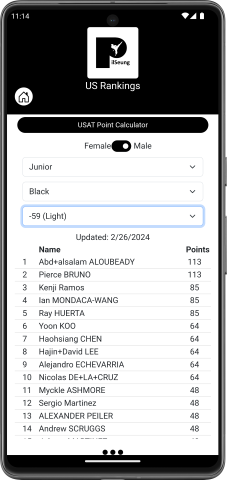
- USA Rankings
- As USA TKD updates their sparring points, users can easily view the rankings, info on each athlete as well as point tracking throught the year.
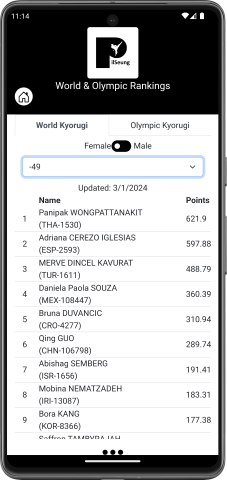
- World Rankings
- World Taekwondo tracks points and rankings for Seniors that participate in their events. Their data is viewable in a similar format to USA TKD data.

Coach & Admin Features
- Event Attendance
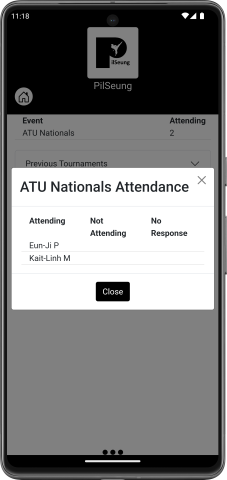
- Coaches and team Admins can view which which athletes are planning, not planning or haven't decided if they are attending each event.
- Add an Event
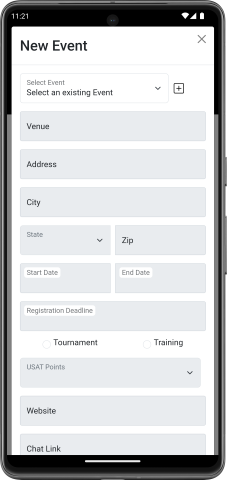
- Coaches and team Admins can add and edit an event from the Event button. This will make the event viewable by the rest of the team to view and select if they will be attending
- Team Game Plan
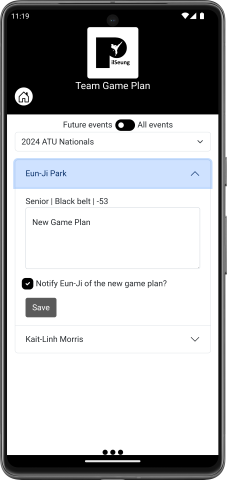
- This is only available for Coaches. They can view all athletes attending upcoming events so to be able to quickly add game plans for those athletes.
- Accounts
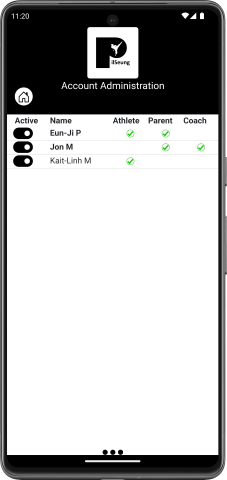
- This is only available for admins. Here they can see information on all the users from their team and enable\disable accounts, change which athletes parents are associated to, change a users account type (athlete, parent, coach, admin) and more.